
AI automationthat gives your teamits hours back.
We build AI agents and automated workflows for repetitive, text-heavy work: qualifying leads, triaging inboxes, processing documents, updating your CRM and writing the weekly report. A person approves anything that matters, and every action is logged.
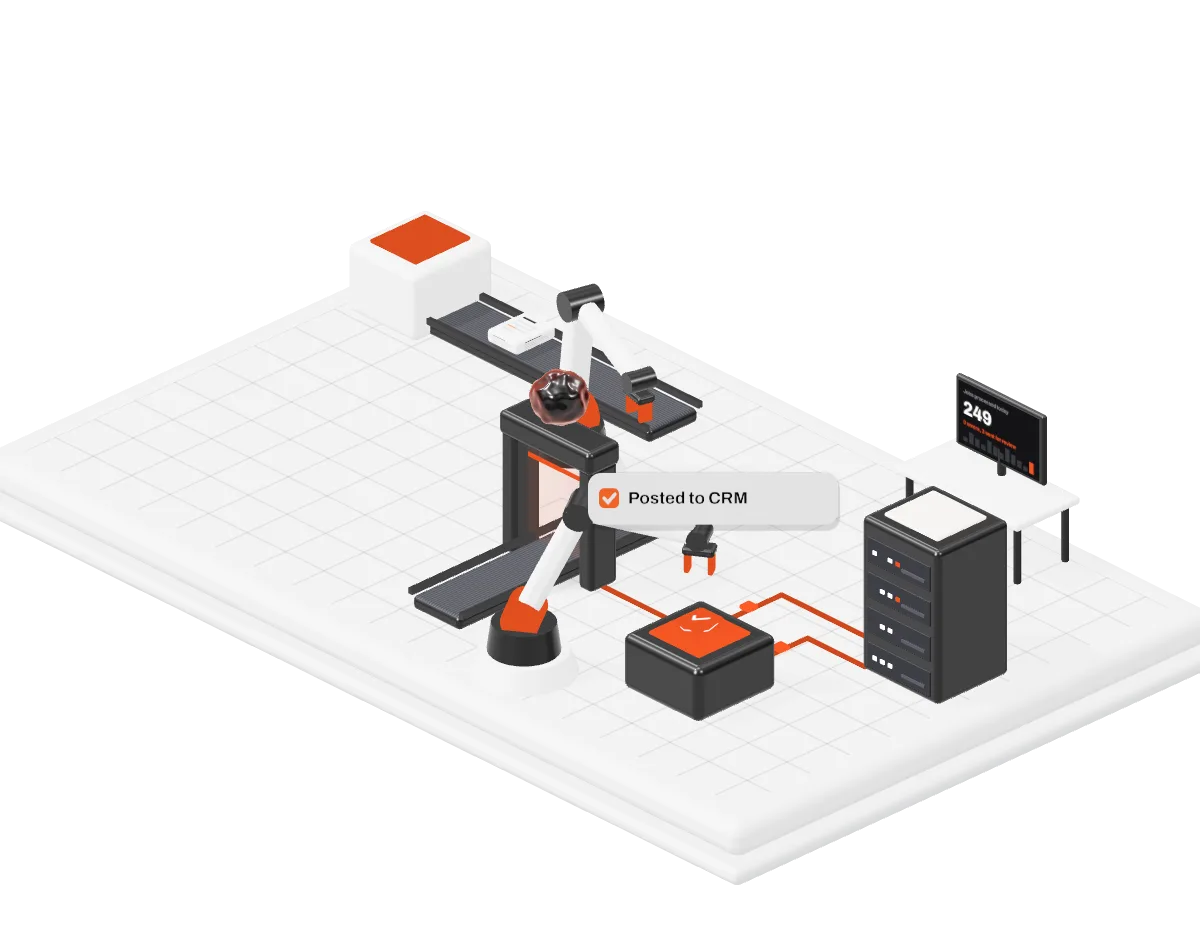
Good automation candidates share three traits: the work happens often, it follows a recognisable pattern, and a mistake can be caught before it costs money.
Traditional automation tools such as Zapier and Make are excellent when every step is a rule: if a form arrives, create a contact. They break when a step needs judgement. Is this email a complaint or a sales lead? Which fields on this scanned invoice are the totals? Does this enquiry match a service we offer?
Language models handle those judgement steps well enough to be useful, but not perfectly. So we design workflows where rules do what rules are good at, AI handles the judgement, and a person reviews anything uncertain or high-stakes. You get most of the time savings without a machine making expensive decisions on its own.
What an "AI agent" actually means here
An agent is a workflow where the AI can decide which step to take next and use tools to take it. It might look up an order, check a calendar, draft a reply or create a ticket. We give agents narrow permissions, a clear job description and limits on what they can do without approval. Agents that can do anything are exciting demos and poor employees.
Workflows we automate most often
Lead capture and qualification
Website, email, WhatsApp and ad-form enquiries are read, scored against your ideal customer, enriched and routed to the right person within minutes. Your CRM is updated automatically.
Inbox and ticket triage
Incoming email and support tickets are classified, prioritised and tagged, with a suggested reply waiting for approval. Urgent and angry messages go to the top.
Document processing
Invoices, receipts, purchase orders, bank statements, application forms and contracts are converted into structured data and pushed into Xero, QuickBooks, your ERP or a spreadsheet.
Appointment and booking agents
Assistants that answer questions, check availability and book, reschedule or cancel appointments over web chat, WhatsApp or SMS, handing over to staff when needed.
Reporting and summaries
Weekly performance reports, meeting summaries, call notes and account health updates written automatically from your data and delivered to Slack, Teams or email.
Back-office operations
Order exceptions, supplier follow-ups, onboarding checklists and data entry between systems that do not talk to each other.
How we decide what to automate
We score each candidate process on three things before building anything, and we say so when the answer is "not worth it".
How often does it happen?
A task done 400 times a month is worth automating. A task done twice a quarter usually is not, however annoying it is.
Can examples teach it?
If your best person could explain the decision with ten examples, AI can usually learn it. If nobody can explain it, AI will not either.
What does a mistake cost?
Low-risk steps run automatically. Anything involving money, health, legal commitments or angry customers gets a human approval step.
From process map to running agent
Process mapping
We sit with the people who do the work, map each step, time it, and collect real examples, including the awkward edge cases.
Pilot on one workflow
Two to four weeks to automate a single process end to end, running alongside your team so outputs can be compared before anything is switched over.
Go live with guardrails
Approval steps, confidence thresholds, error alerts and an audit log of every action the system took and why.
Measure and expand
We report hours saved, error rate and cost per run, then move to the next workflow only when the first one is paying for itself.
What we build with
We use no-code platforms where they are enough and write code where they are not. You are never locked into a tool only we can operate.
Automation platforms
- n8n (self-hosted or cloud)
- Make
- Zapier
- Power Automate
Agent frameworks
- LangGraph
- OpenAI Agents SDK
- Claude tool use
- Custom Python workers
Systems we connect
- HubSpot
- Salesforce
- Pipedrive
- Zendesk
- Gmail and Outlook
- Slack and Teams
- Xero
- QuickBooks
- Shopify
- Google Sheets
- Airtable
- WhatsApp Business API
Reliability
- Queues and retries
- Human approval steps
- Audit logs
- Error alerts
- Cost monitoring
Automation your team will trust
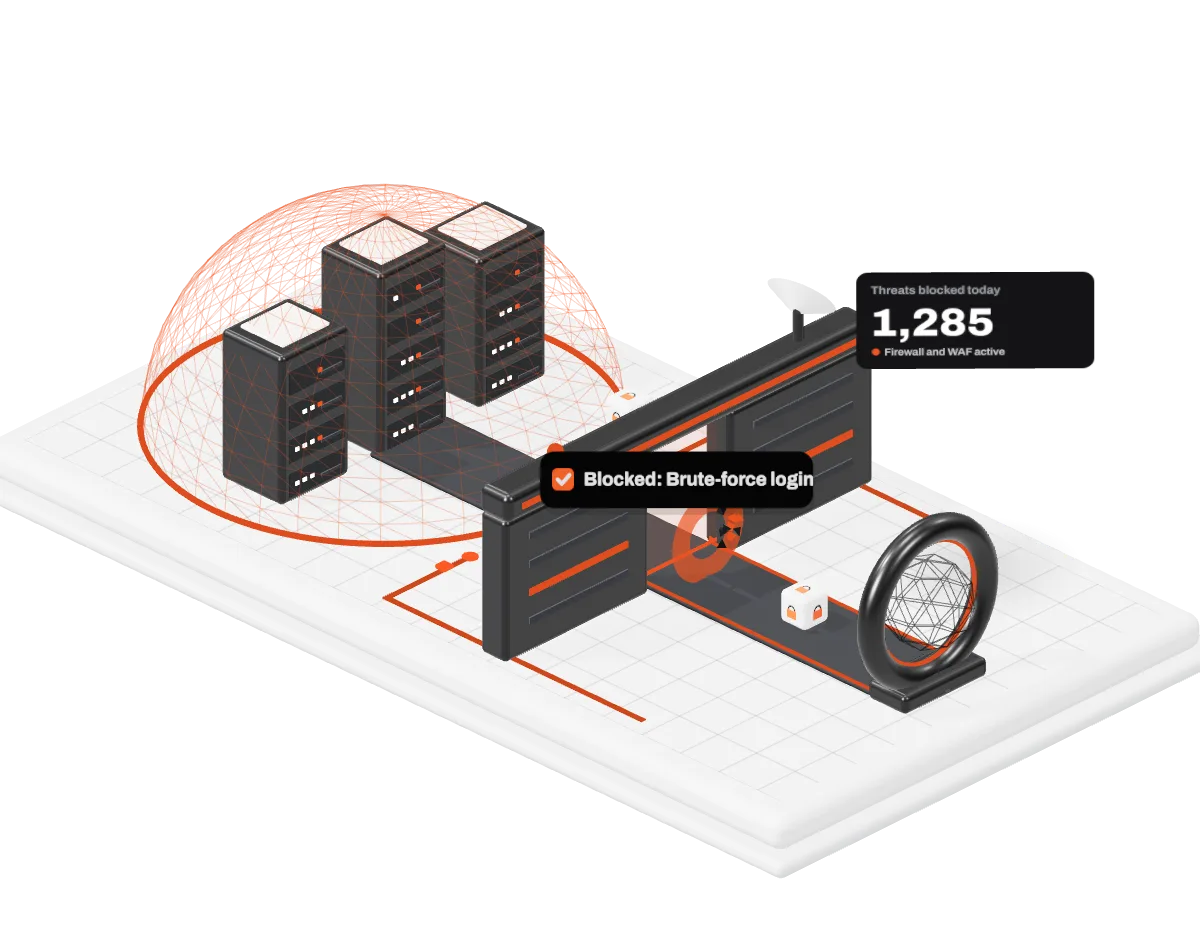
The fastest way to kill an automation project is one embarrassing email sent to a customer by a robot. So every workflow we ship starts in "draft mode", where the AI proposes and a person approves. Steps graduate to full automation only once their error rate on real traffic is known and acceptable to you.
Customer-facing agents identify themselves as AI, which the EU AI Act requires from 2 August 2026 for systems that interact with people in the EU, and is simply good practice everywhere else.
Common questions
What is an AI automation agency?
An AI automation agency designs and builds workflows where AI handles steps that need judgement, such as reading, classifying, extracting or drafting, alongside conventional automation for rule-based steps. The goal is measurable time saved on repetitive work, with people kept in control of decisions that matter.
Which business processes are best for AI automation?
High-volume, text-heavy tasks that follow a recognisable pattern: lead qualification, email and ticket triage, invoice and document processing, appointment booking, CRM updates and routine reporting. Tasks that are rare, poorly defined or very high-risk are usually poor candidates.
How long does it take to automate a workflow?
A single workflow typically takes 2 to 4 weeks to pilot and another 1 to 3 weeks to move into full production with monitoring. Simple integrations between existing tools can be faster; workflows touching several legacy systems take longer.
Will AI automation replace our staff?
In our projects it removes the repetitive part of jobs rather than the jobs. The same people handle more volume, respond faster and spend their time on the exceptions and customers that need a human.
Do we need to change our software?
Usually not. We connect to the tools you already use through their APIs. If a system has no API, we look at email-based, export-based or browser-based integration before suggesting a change.
How do you measure whether automation is working?
We baseline the process first: time per task, volume, error rate and response time. After launch we report the same numbers, plus cost per automated run, so the saving is a figure rather than an impression.
Related services
AI development
Assistants, copilots and AI features built on your own data.
Prediction models
Forecast demand, churn, no-shows and lead quality from your data.
Custom AI models
Fine-tuned language, vision and classification models you own.
Web apps and SaaS
MVPs, SaaS platforms, portals and internal tools.
Which task eats the most hours in your week?
Tell us about it on a free call. We will tell you honestly whether it is worth automating, roughly how much time it could save, and what a pilot would involve.